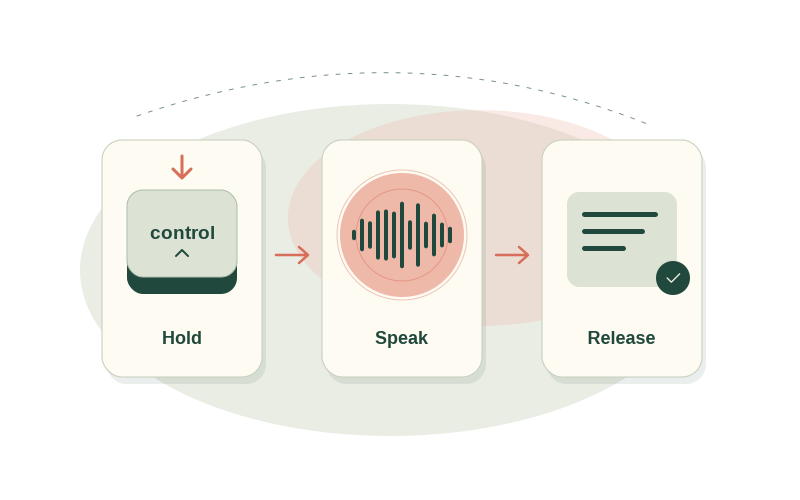
Hold a key.
Press Left Control to start recording, or switch to Right Control, Option, Right Command, F6, F8, or F9 in Settings. Press Esc to cancel.
Turn your thoughts into text, right where you work. Private push-to-talk dictation powered by faster-whisper on your Mac, not in the cloud.
Free & MIT open source · macOS 13+ · Development preview (v1.2.2)
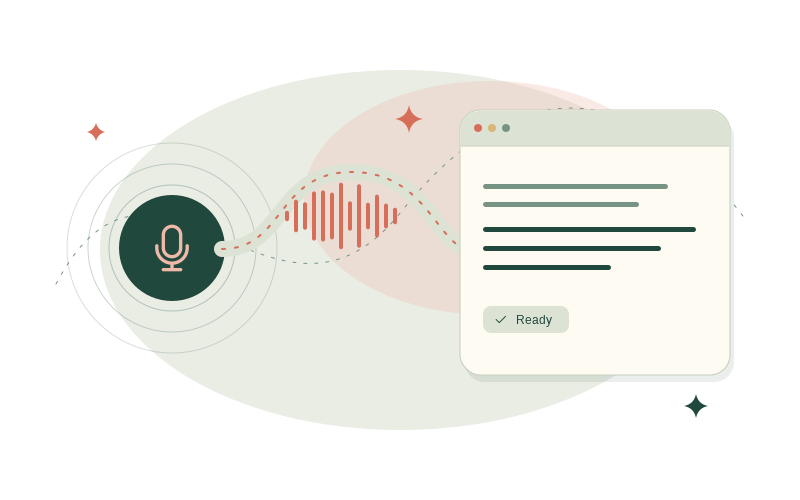
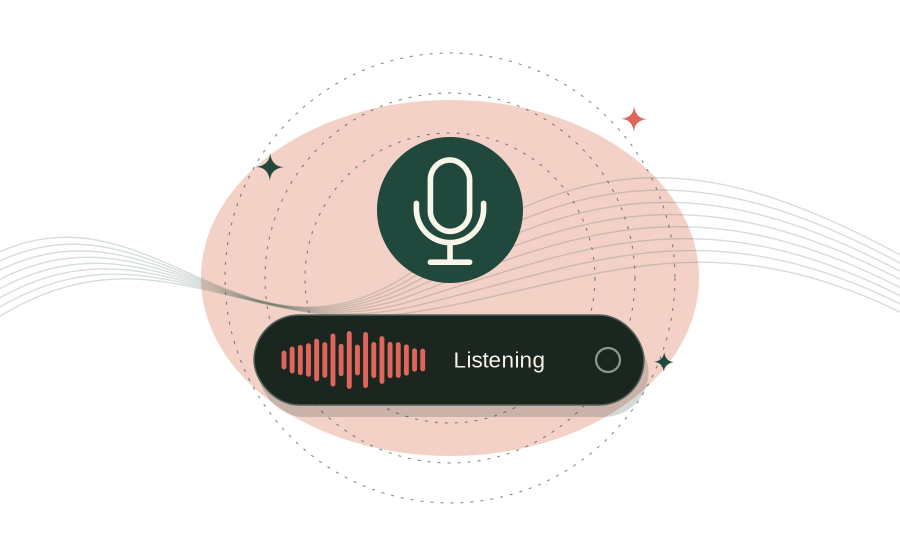
No extra window to switch to and no browser tab to keep open. LocalFlow listens only while you hold your key, shows a compact translucent waveform overlay, and drops your words right at the cursor.
Pick a workspace, press and hold the button (or Space), then release to see how LocalFlow captures, transcribes, and pastes into your active field.
Ready · Press and hold to simulate a recording
One quiet menu bar app. One familiar hold key. A local speech engine that fits into the apps you already use.
Press Left Control to start recording, or switch to Right Control, Option, Right Command, F6, F8, or F9 in Settings. Press Esc to cancel.
I've got an idea for the next version of the app.|
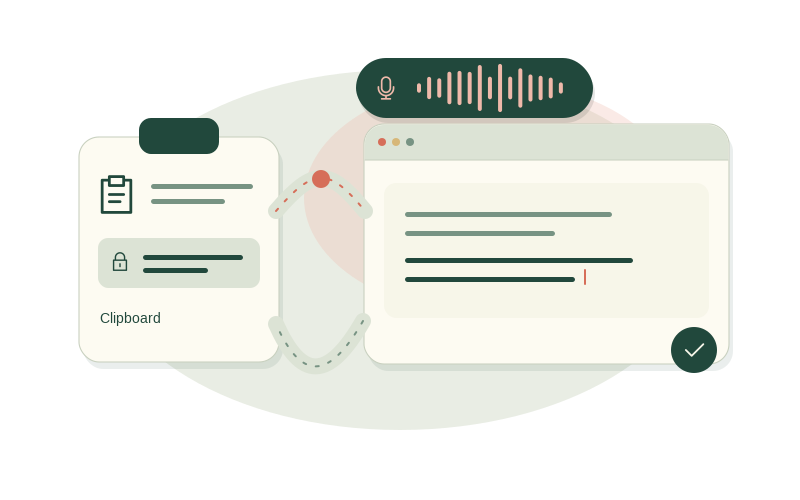
LocalFlow transcribes on-device and sends a standard Cmd+V paste to your originating app, restoring your previous clipboard afterward.
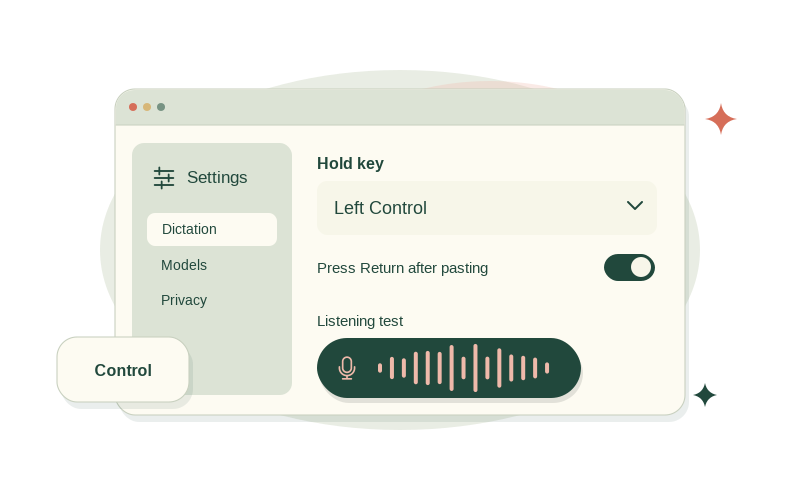
Choose your local Whisper model, optional language, launch at login, and optional automatic Return after pasting.
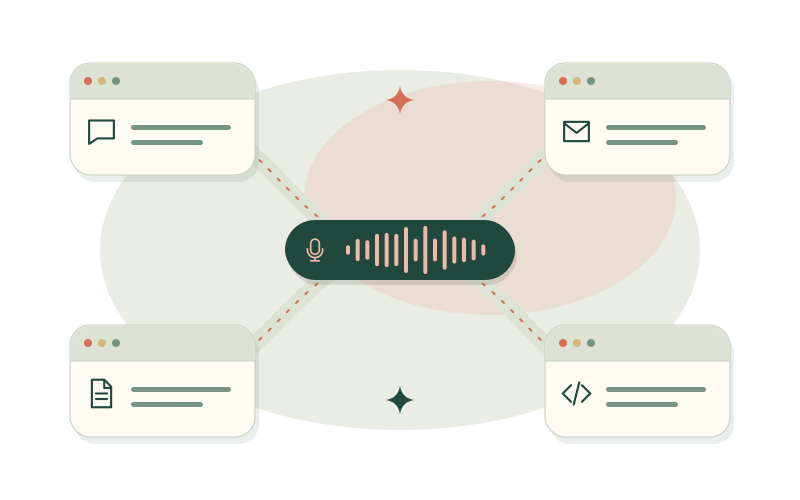
Works in ordinary editable text fields across native macOS apps, browsers, and Electron editors that accept standard paste events.
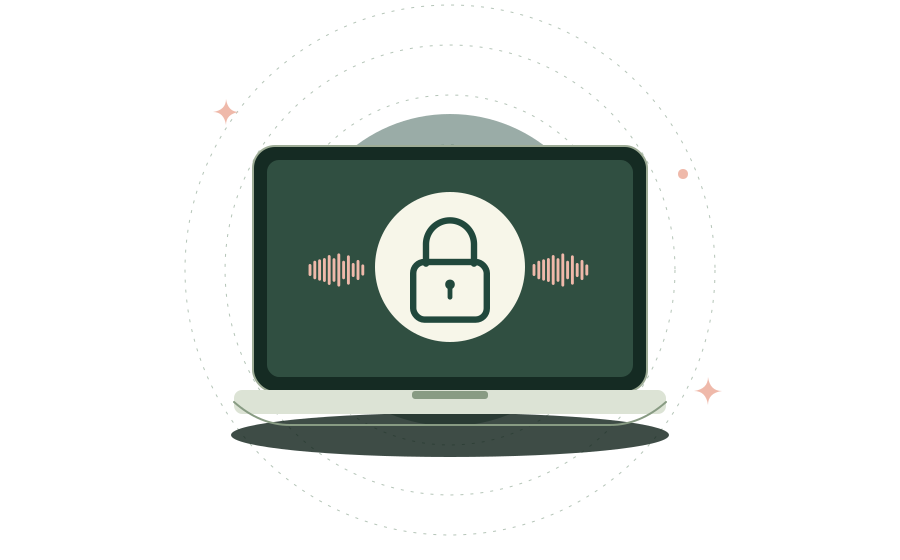
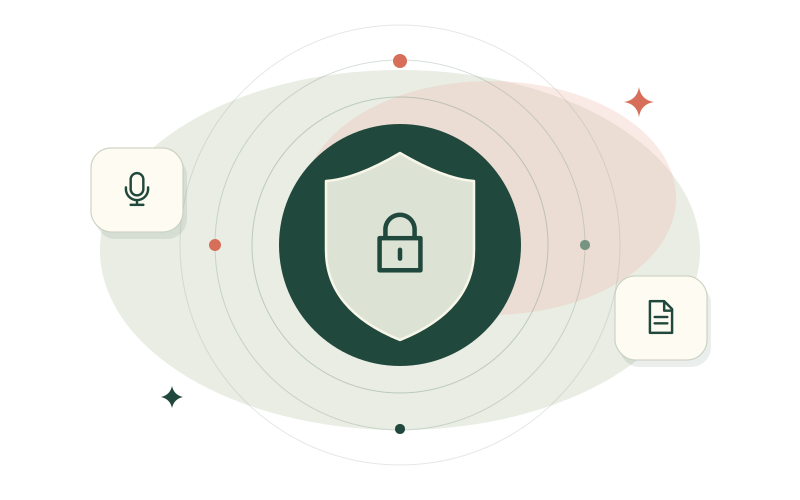
Most voice tools stream your microphone to remote servers behind a monthly plan. LocalFlow keeps the entire speech pipeline inside your Mac.
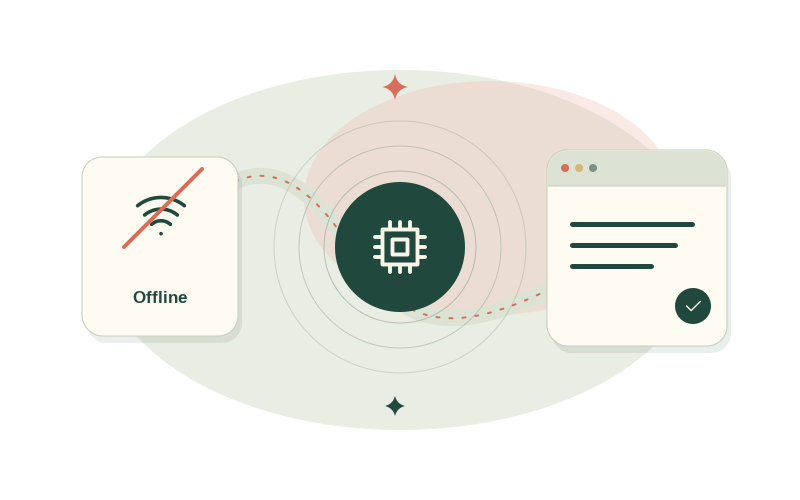
Your microphone captures your voice. Your Mac does the work. LocalFlow communicates with an isolated local Python worker over private pipes — never a network server.
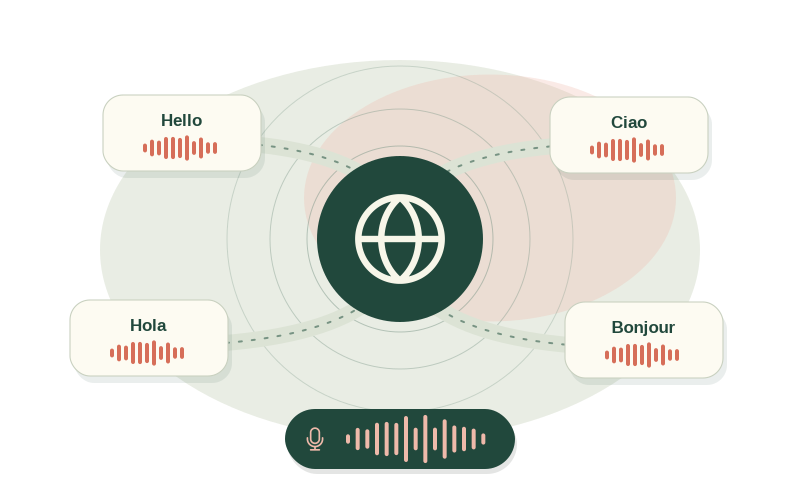
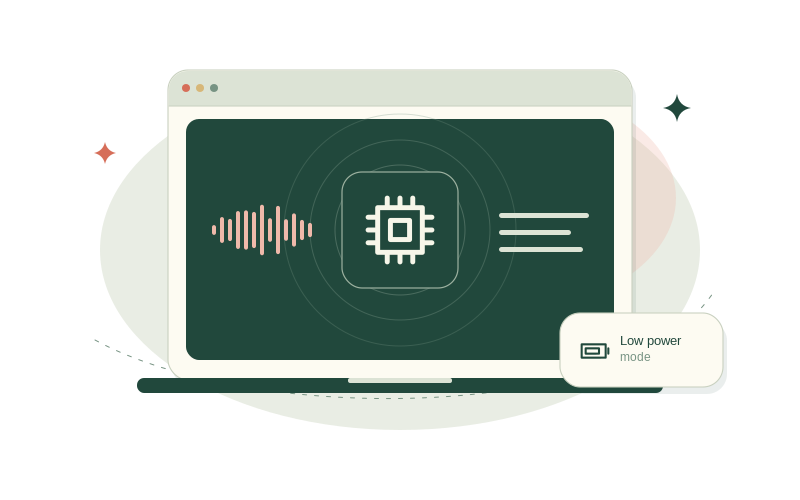
LocalFlow runs CPU int8 inference with multilingual Whisper models inside a private Astral uv Python 3.12 runtime — leaving your system Python untouched.
The comparison is qualitative, not a measured benchmark.
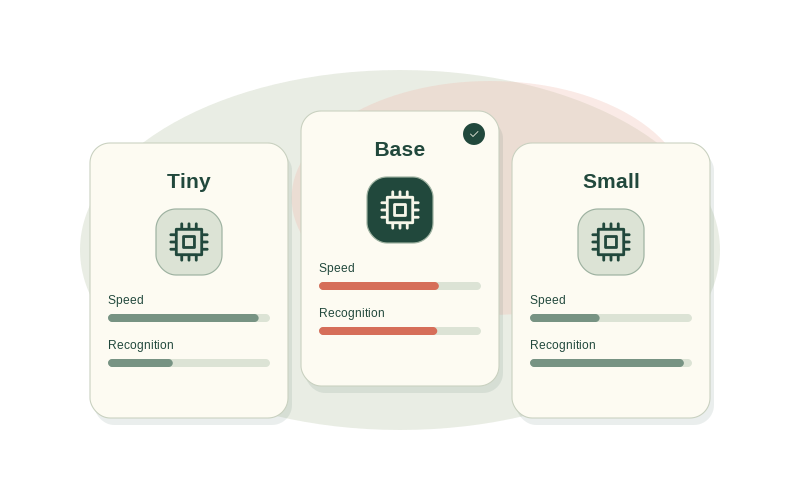
The default choice for everyday dictation. A practical balance between processing speed and recognition quality.
Everything you need to know before building or trying LocalFlow.
Yes. LocalFlow is free, MIT-licensed open-source software. There is no subscription, paid transcription API, or account requirement.
Yes, after the first setup. Initial runtime installation and downloading a speech model need internet access. Normal dictation uses cached models in offline mode.
LocalFlow targets macOS 13 Ventura or later. CI builds both Apple Silicon and Intel variants, though manual Intel and clean-Mac installation validation is still needed.
LocalFlow (v1.2.2) is a development preview. Building from the public source is recommended today. Automated GitHub Releases are draft, ad-hoc signed, and not notarized.
LocalFlow is a local speech-to-text tool, not a cloud AI writing assistant. It transcribes using faster-whisper and pastes the output; it does not promise AI rewriting, tone adaptation, or custom vocabulary learning.
Microphone and Accessibility permissions are needed for recording and inserting text. Input Monitoring may also be required if the global keyboard listener cannot start.
It works in standard editable fields that accept normal Cmd+V paste. Password fields, Secure Keyboard Entry, and apps that restrict synthetic events pause insertion; you can still copy the last transcript manually.
Open a GitHub issue with your macOS version, chip architecture, and reproduction steps. Never attach private recordings, transcripts, or unreviewed logs.
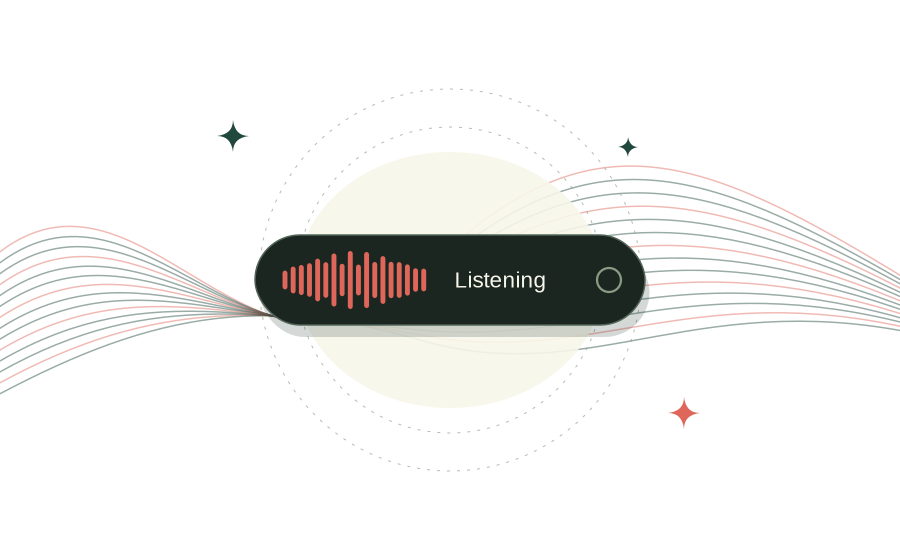
A quieter, local-first way to get more of your thoughts onto the screen.
v1.2.2 development preview · No subscription · MIT license
For macOS 13 (Ventura) or later. Install Xcode Command Line Tools if needed, then build the app from source.
xcode-select --install

git clone https://github.com/creatifying/localflow.git
cd localflow
./build.sh
Move LocalFlow.app into /Applications, open it, choose Set up local model in Settings, and grant Microphone & Accessibility permissions. Once Ready, hold Left Control to dictate.